
Correos P Y T IMAP, SMTP, and POP3 Server Settings
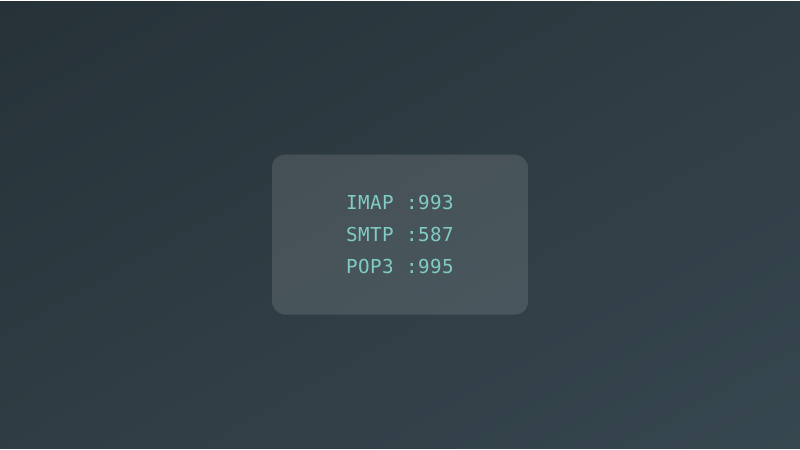
Correos P Y T Email Server Settings
Use these settings to connect any email client to your Correos P Y T account. The server hostname for all protocols is .
IMAP Settings (Recommended)
IMAP keeps your emails synced across all devices. Changes made on one device (read, delete, move) reflect everywhere.
| Setting | Value |
|---|---|
| Server / Hostname | |
| Port | 993 |
| Security | SSL/TLS |
| Username | Your full email address (e.g. john@yourdomain.com) |
| Password | Your Correos P Y T account password |
SMTP Settings (Outgoing Mail)
Use these settings to send email from any client.
| Setting | Value |
|---|---|
| Server / Hostname | |
| Port | 587 |
| Security | STARTTLS |
| Username | Your full email address (e.g. john@yourdomain.com) |
| Password | Your Correos P Y T account password |
| Authentication | Required |
POP3 Settings
POP3 downloads emails to your device and removes them from the server. Use IMAP instead if you access email from multiple devices.
| Setting | Value |
|---|---|
| Server / Hostname | |
| Port | 995 |
| Security | SSL/TLS |
| Username | Your full email address (e.g. john@yourdomain.com) |
| Password | Your Correos P Y T account password |
Quick Reference
| Protocol | Server | Port | Security |
|---|---|---|---|
| IMAP (incoming) | | 993 | SSL/TLS |
| SMTP (outgoing) | | 587 | STARTTLS |
| POP3 (incoming) | | 995 | SSL/TLS |
Username and Password
- Username: Always your full email address. For example,
john@yourdomain.com, not justjohn. - Password: The password you set when creating the email account in Correos P Y T.
Verify Your Connection
If you have trouble connecting, use these tools to check your setup:
- SMTP Test — verify your outgoing mail server is reachable
- MX Lookup — confirm your domain MX records point to
- Blacklist Check — make sure your sending IP is not blacklisted